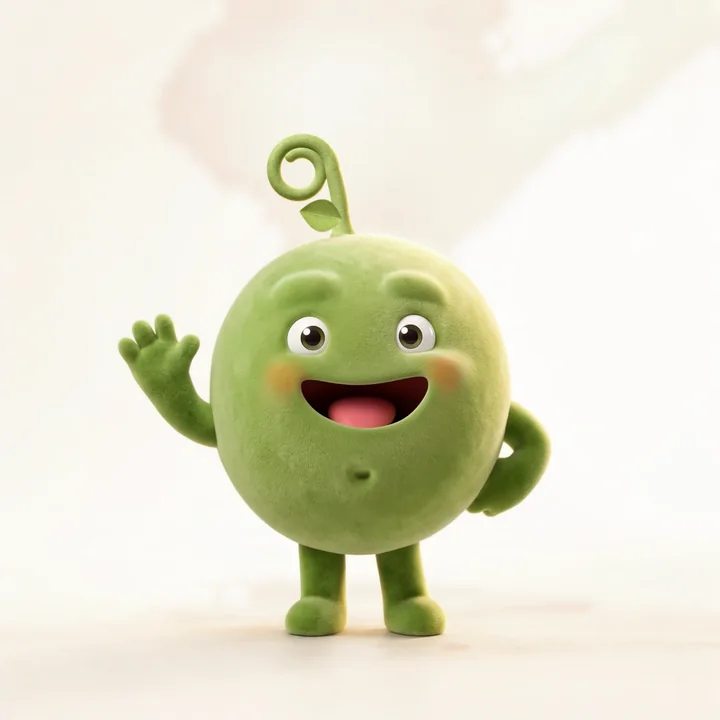
One reference picture kept Pea the same across about seven hundred more.
 Grown in Ideogram · a case study
Pea is a personal executive assistant, and we wanted a character that would connect it with our audience. We knew that meant a big brand kit, with one character that looked the same on everything, which most image generators simply can't do.
We started out in another one and spent a day treading water. Then we moved Pea into Ideogram, because it's so much better at keeping a character consistent, and that's when it all came together.
 Out
Out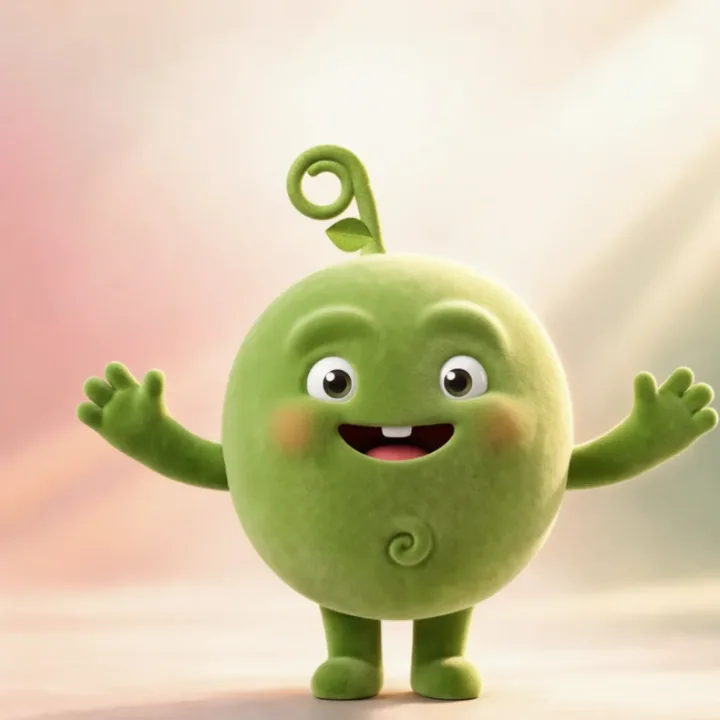 Out
Out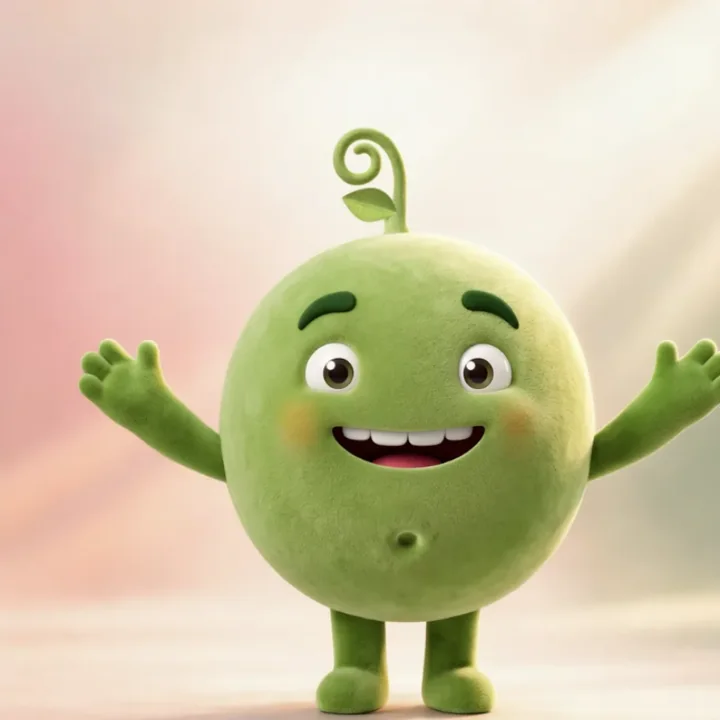 OutPea
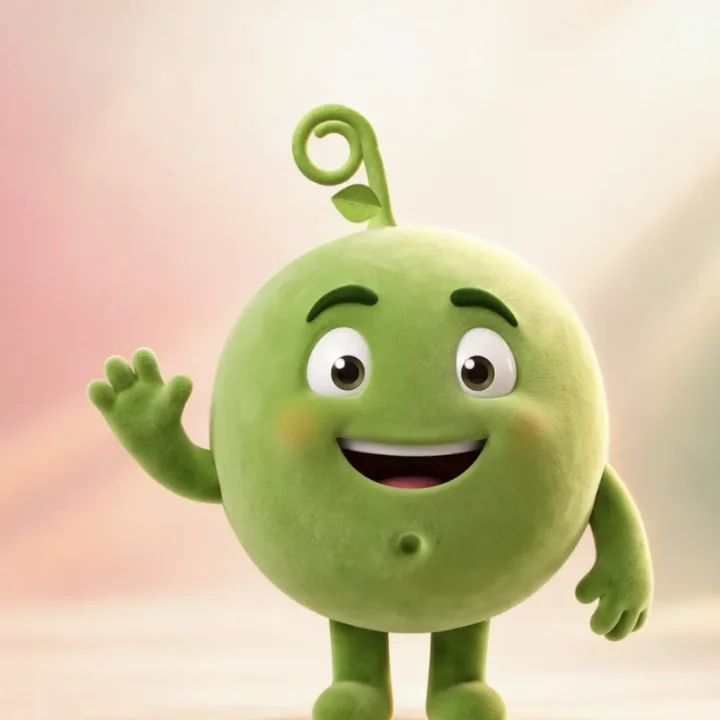
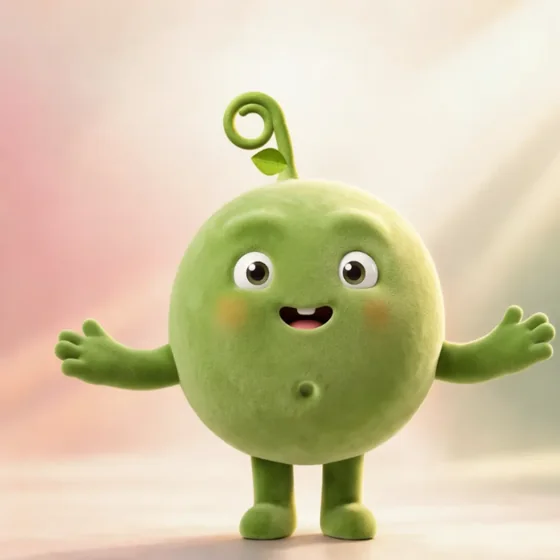
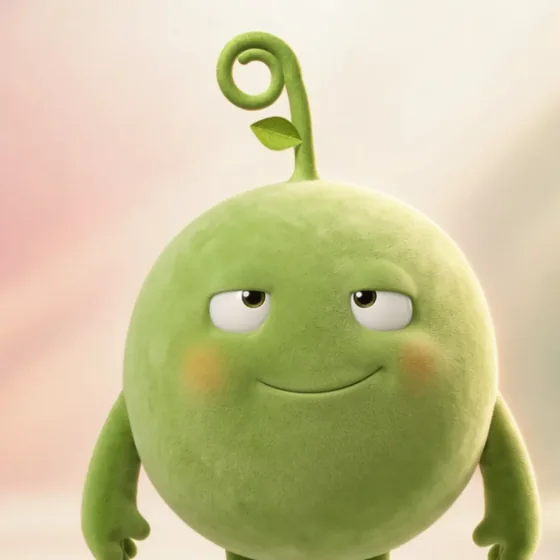
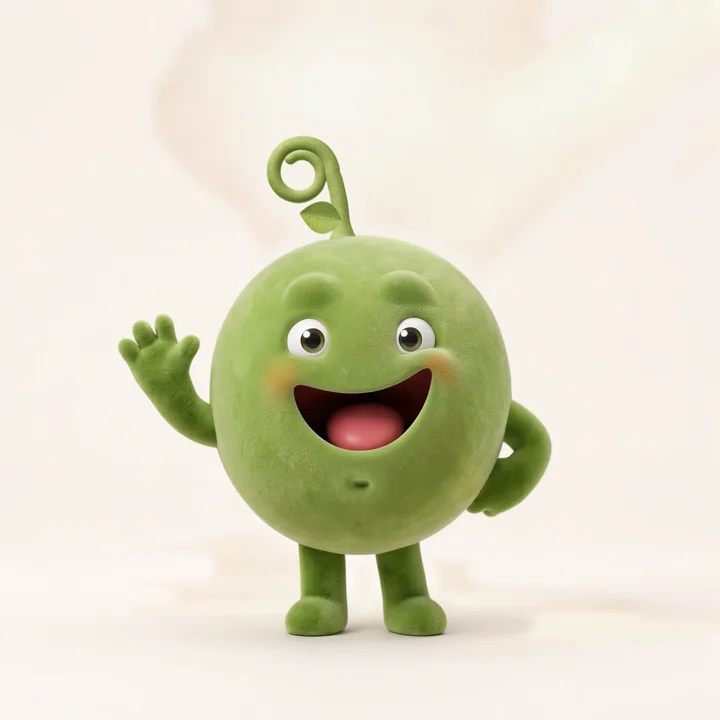
Some of the faces that didn't make it, and the one that did.
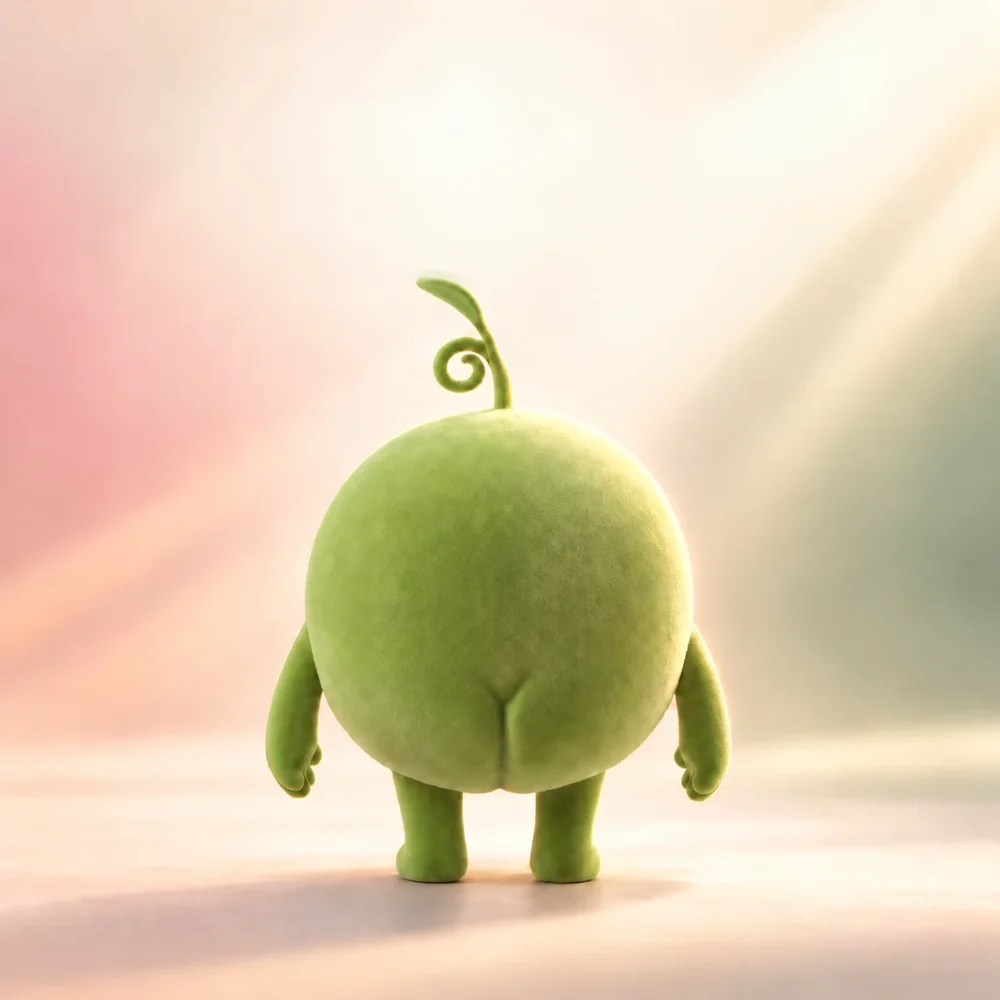
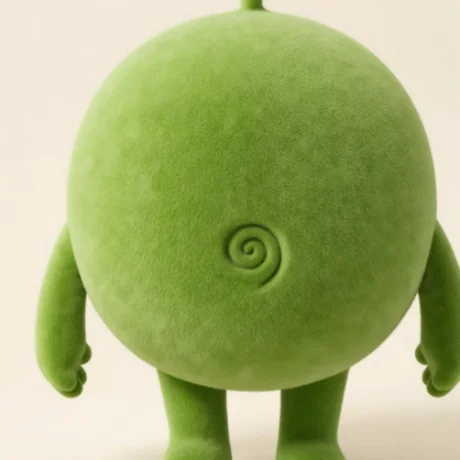
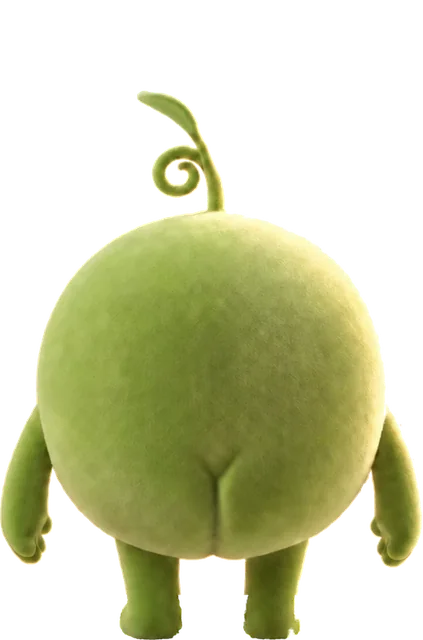
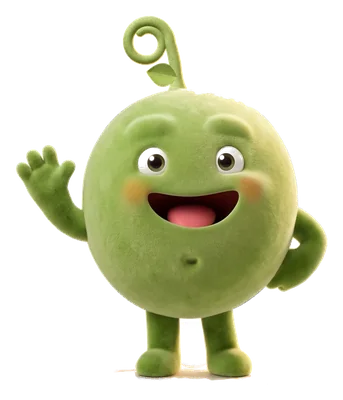
We started with a round velvet pea with one curly sprout. The first thing Ideogram really nailed was the back, little bum and all, and I loved it so much it went straight onto my X profile before Pea even had a front.
The face was a fun experiment and took a fair few rounds. We tried eyebrows, a single tooth, a full set of teeth, a stitched mouth like a designer toy, and belly buttons from a hole to a spiral. The eyebrows went, and so did the teeth.
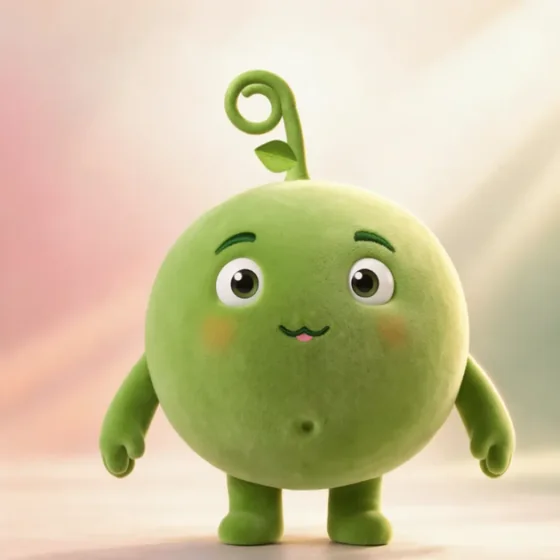
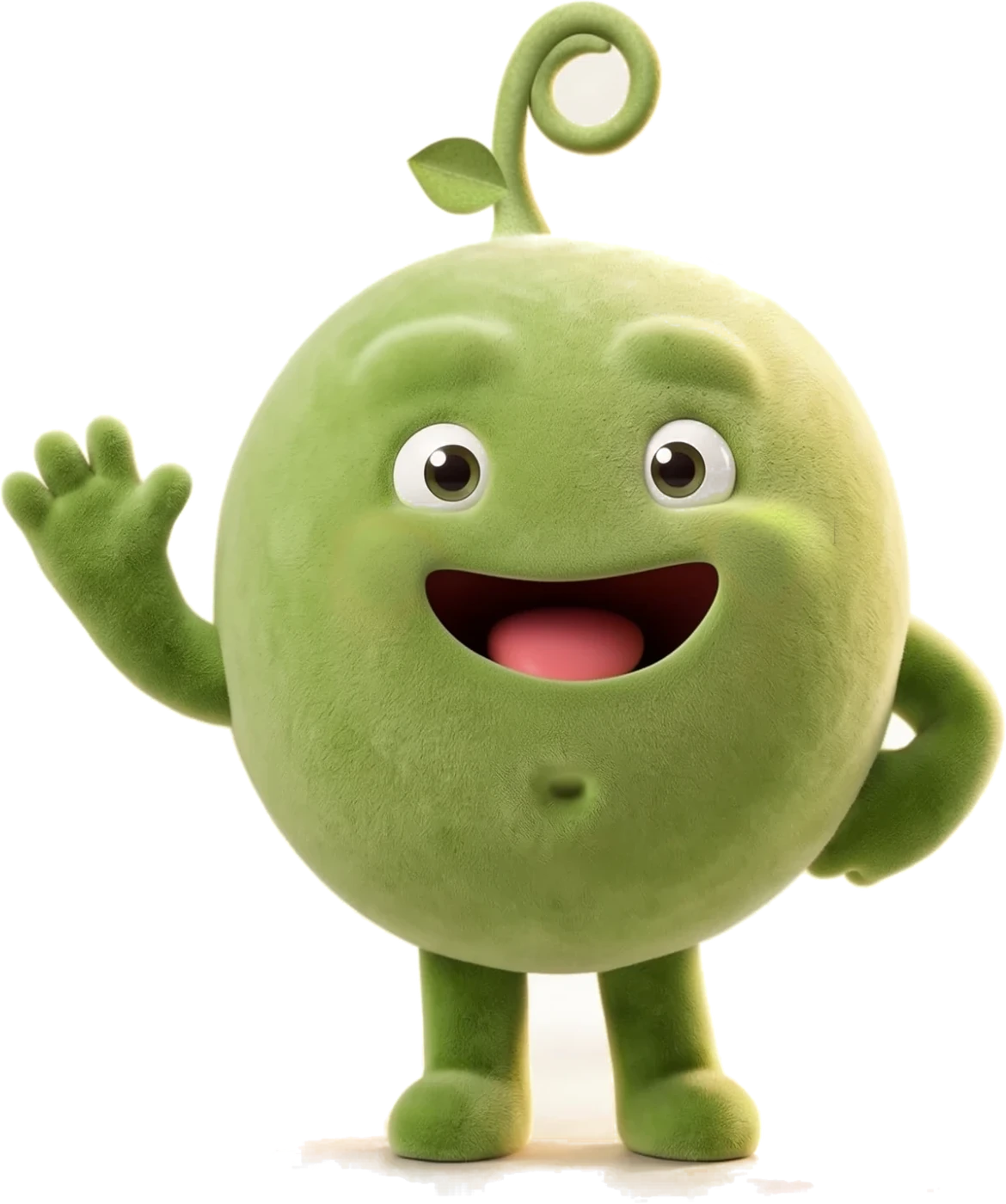
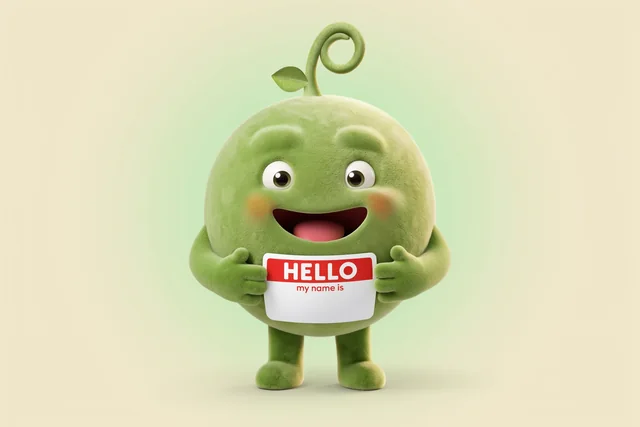
The belly button came from one picture where I spotted a little sideways dimple and liked it, and every Pea since has had one. Then, just after half past midnight on 5 October, a batch of four came back and the last one nailed it.
 1
1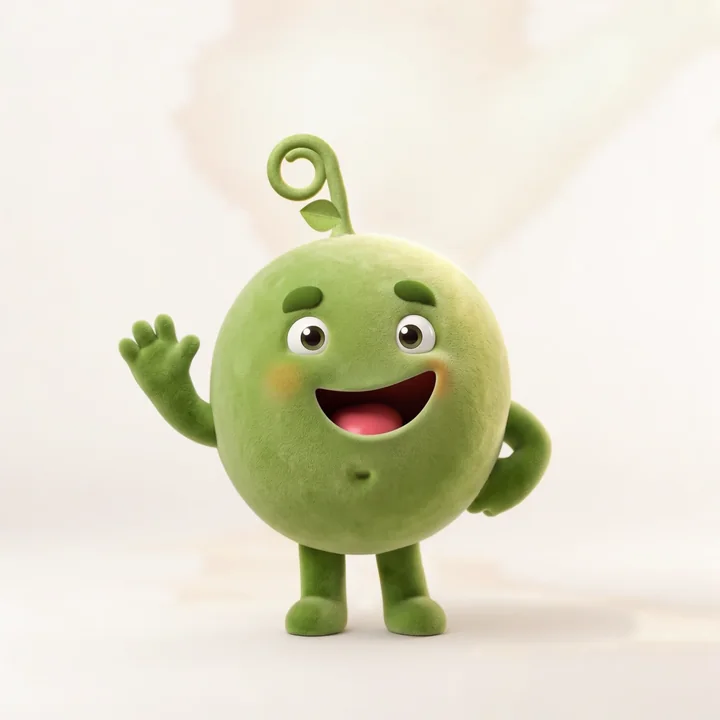 2
2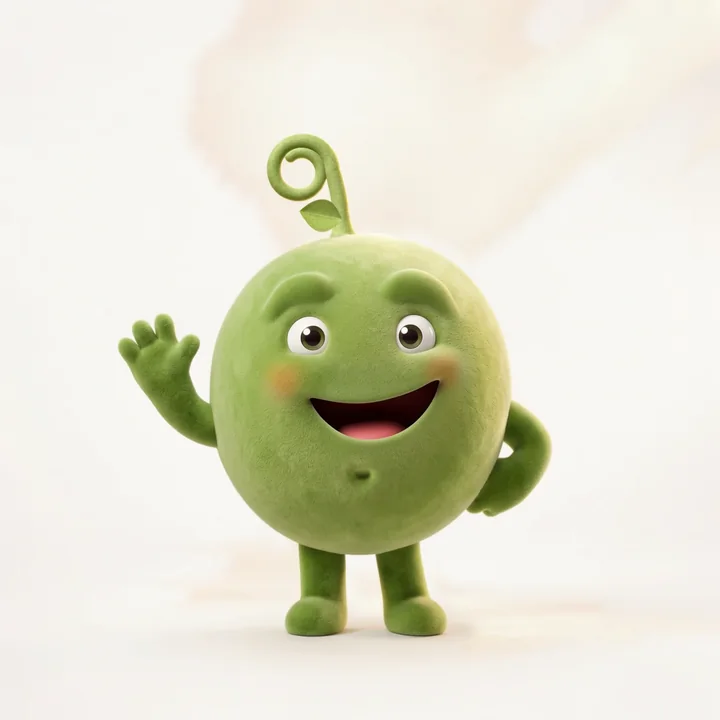 34Pea
34PeaThen I wrote down what can't change. There are eight things, all pinned to that one picture, and the picture goes into every prompt. The pose, the prop, the room and the light can be anything.
 1
2
3
4
5
6
7
8
1
2
3
4
5
6
7
8
Every Pea picture since has been made the same way.
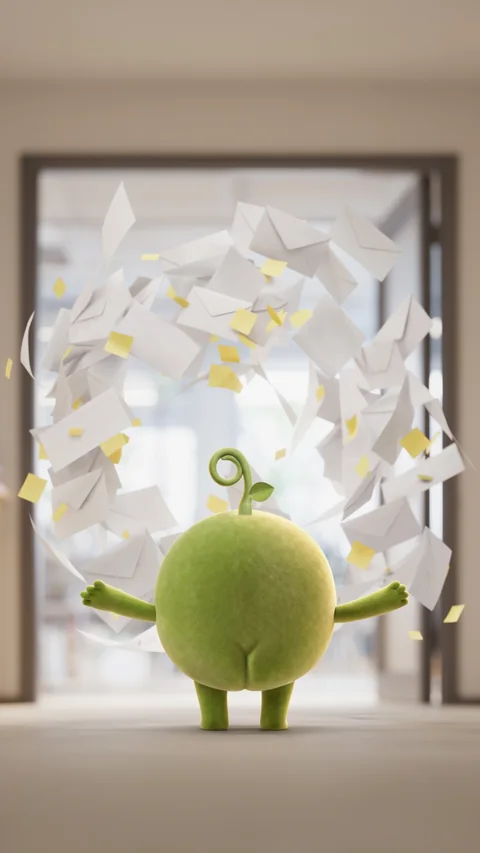
The master goes in as the reference image, @img_1, and every prompt starts with "Use @img_1 as the exact character". We only load the picture a scene needs. For Pea from behind, we load the back view on its own, because if the front is in there too, Ideogram turns Pea round to face you.
Then comes the character block, a paragraph that describes those eight things in plain words. It goes in word for word every time. When we changed a rule, like taking the blush off the cheeks, we changed the paragraph, and every picture after that followed.
Pea, the exact character from @img_1: a perfectly round seamless green pea with a soft matte velvet flocked finish, one single curly sprout on top (a short stem with one neat spiral curl and one small leaf), short stubby velvet arms with soft mitten hands, short stubby legs with round feet. Soft puffed same-green velvet brow bumps, plump raised cheekswith peach blush. Big glossy white oval eyes with large dark olive pupils and two bright sparkling catchlights each, full of life. A wide, warm, confident open smile, dark mouth with a pink tongue, no teeth. A tiny innie belly button: a short vertical crease ending in a small upturned crescent at its bottom, softly pressed into the velvet, same green, not a round hole. Charming and quietly confident, like a brilliant personal executive assistant, cute but never babyish. Pixar-quality 3D, soft studio light.
Use @img_1 as the exact character: the same cute pea character with soft green velvet flocked fur, a round egg-shaped body, big round glossy eyes, two soft raised velvet bumps where eyebrows would be (no eyebrows), a wide open grin set low with a pink tongue and no teeth, a small sideways oval dimple belly button, short stubby velvet arms and legs, and one curly sprout on top whose curl turns to the viewer's right with one small leaf low on the opposite side of the stem. Keep it exactly on-model. IMPORTANT: no blush at all. No rosy, pink, peach or orange cheeks; the cheeks are exactly the same even velvet green as the rest of the body.
Struck through: gone. Underlined: added on 10 and 20 October.
The scene is the only part that changes, and it works best when you write the whole joke. When I asked for little fires, the first round gave me Pea next to a candle. The next prompt asked for proper little fires popping up all over the desk and a helmet that was obviously Pea's, and that's the one we used.
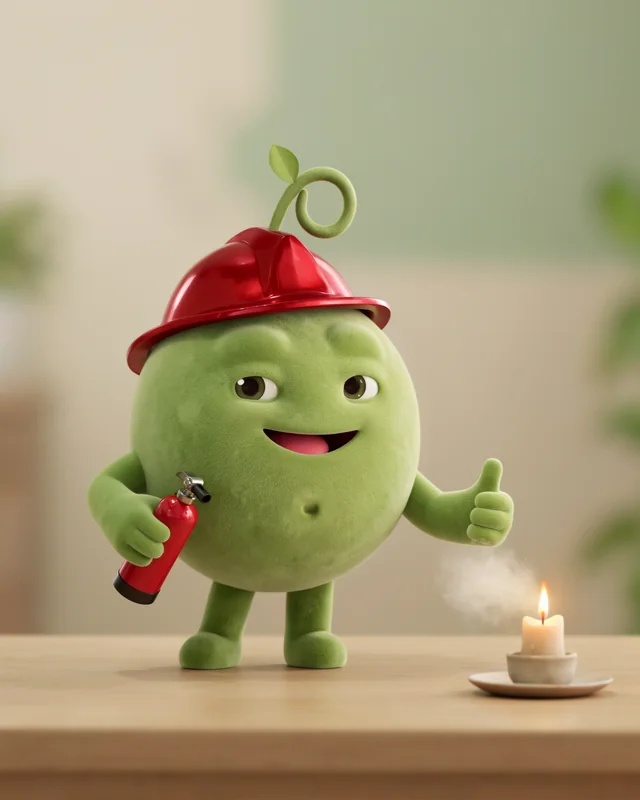
the pea wears a small red firefighter helmet and calmly sprays a tiny fire extinguisher at a single small candle flame on a tidy desk, putting it out with a soft white puff, giving the camera a cool thumbs up with its other hand.
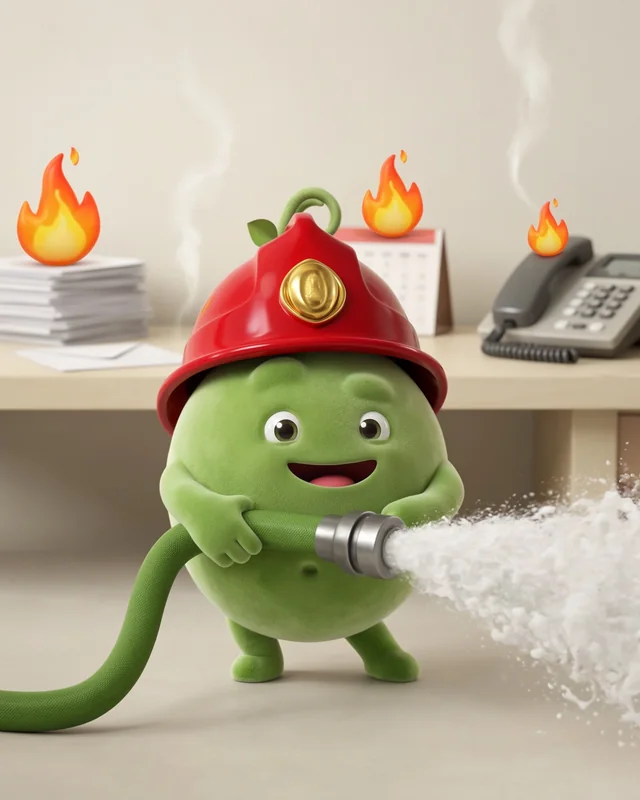
three or four cute cartoon flames popping up on desk things (a stack of envelopes, a desk calendar, a ringing phone); Pea the hero firefighter in a glossy red helmet with a gold pea-pod badge, sprout through the top, wide heroic stance, hosing them out with a pea-green hose; two already out, just wisps of steam. No soot, no mess.
Every format we needed came out of the same Pea, at whatever size we asked for. For tall story cards we add one more block, which keeps the top of the picture clear for the words.
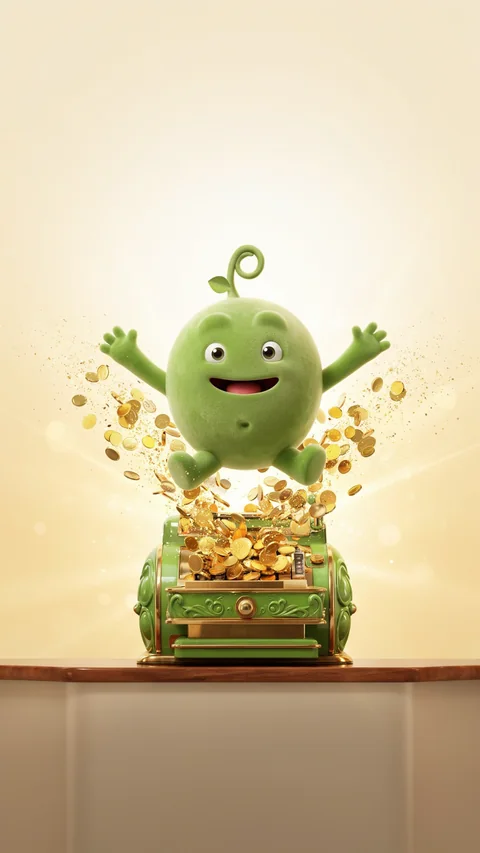
Tall vertical 9:16 phone story frame. Keep Pea and every prop in the middle of the frame, between about 30% and 80% of the height. The TOP 30% of the frame is only soft, plain, out-of-focus background with nothing in it. The BOTTOM 20% is only plain floor with nothing on it. No words, letters, numbers or logos anywhere.
Every picture gets checked against the eight things at full size. About one in four goes back, usually because a grin has grown teeth or the curl has flipped round.
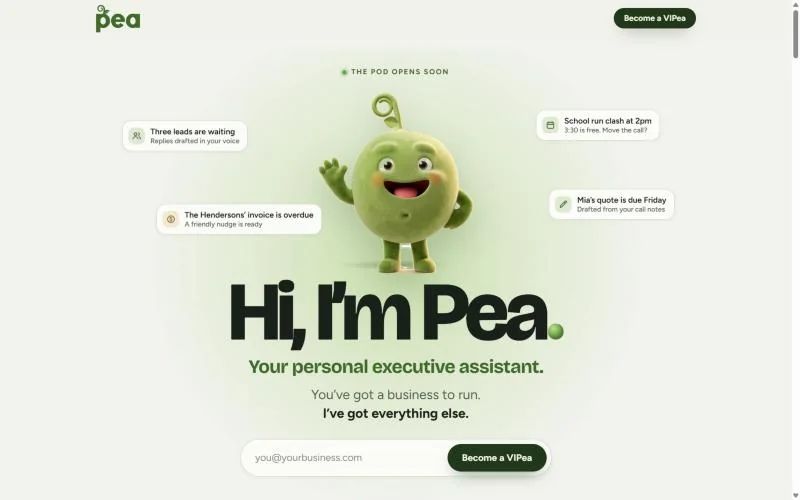
Once it had the look right, Ideogram gave us a massive collection of poses, expressions and props, all consistent with the rules we'd set for Pea. The website art, the waitlist emails and a t-shirt print all came out of the same three weeks. When the master changed, we swapped the reference and everything after it followed.
We made all our pre-launch cards and social images in Ideogram too.
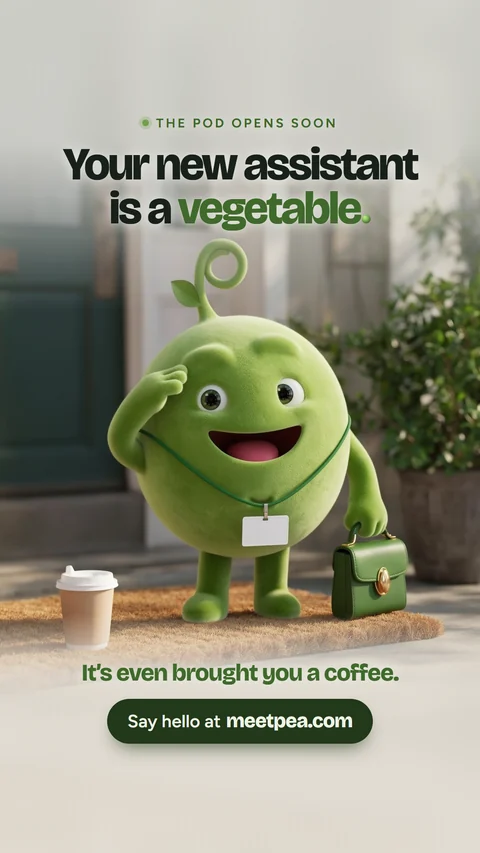
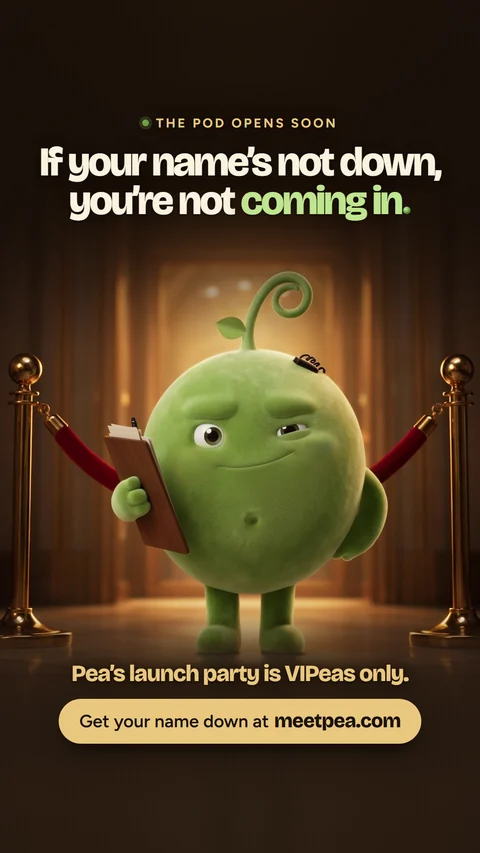
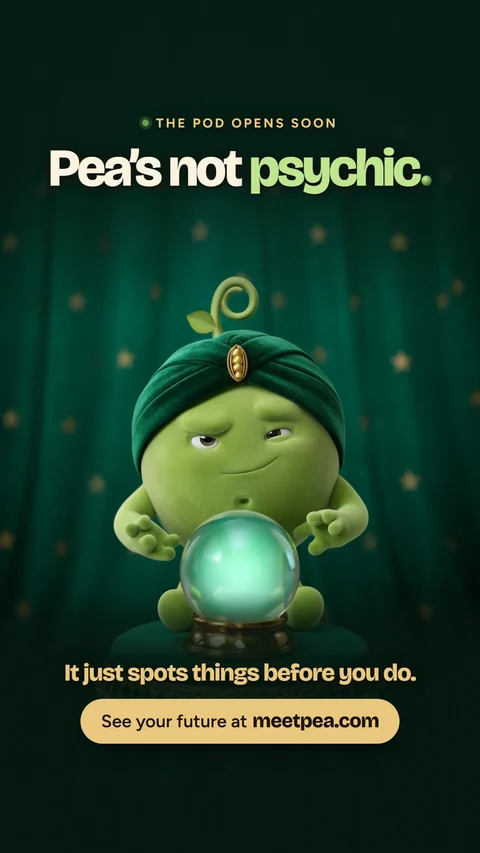
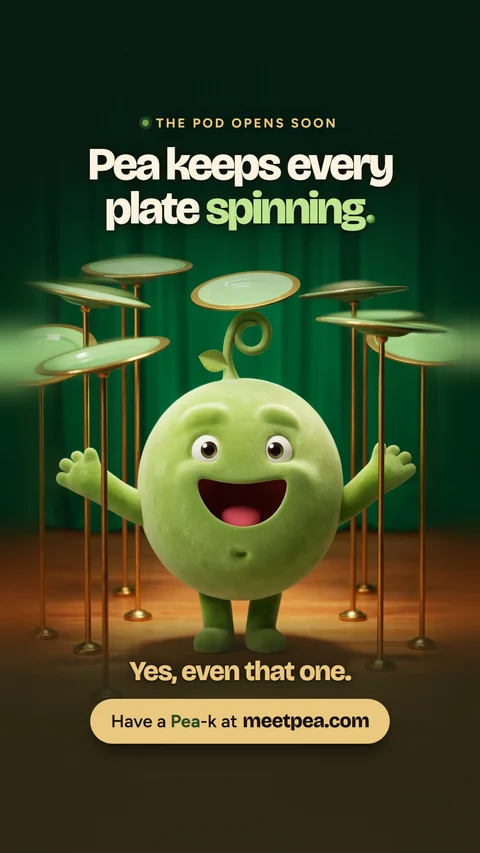
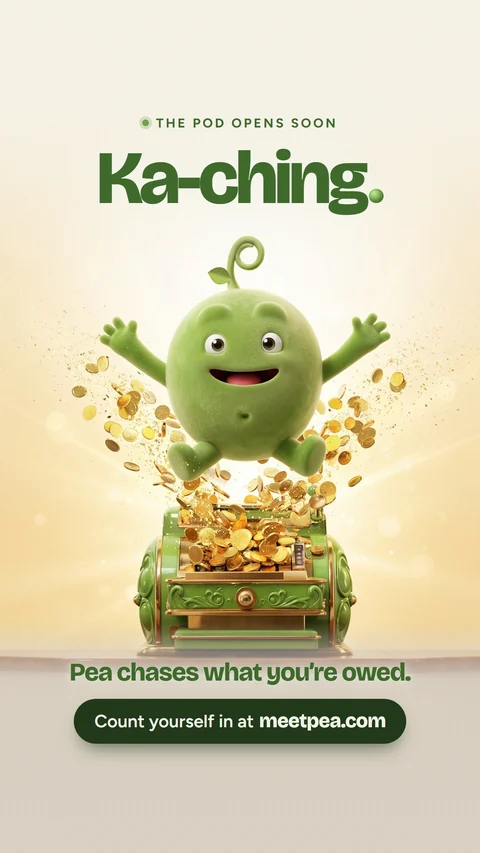
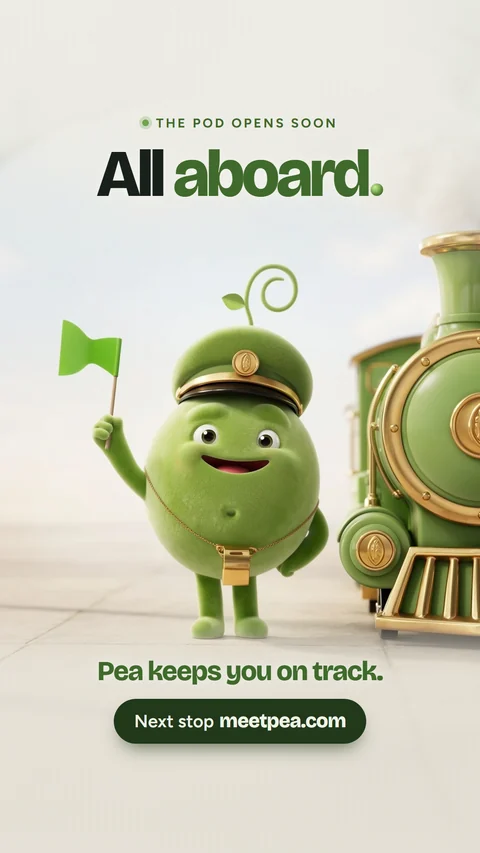
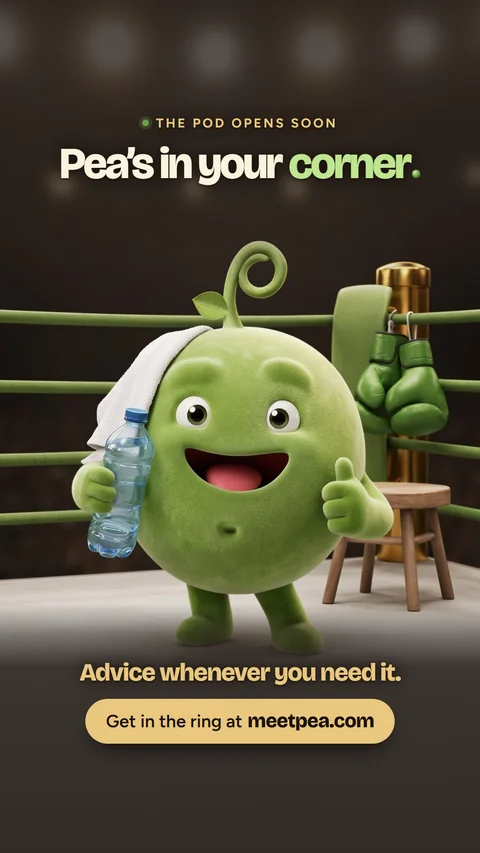
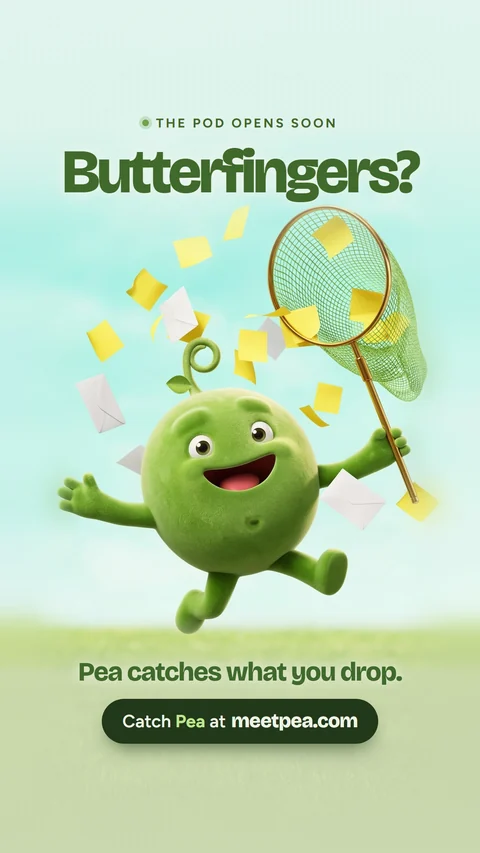
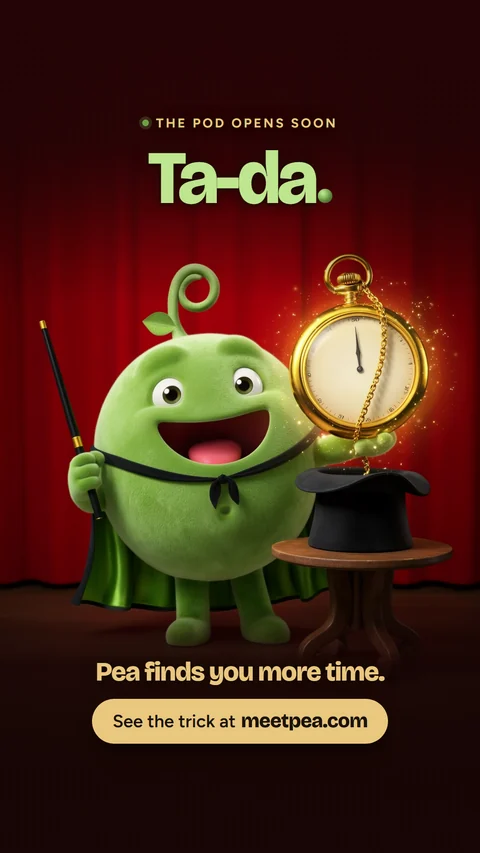
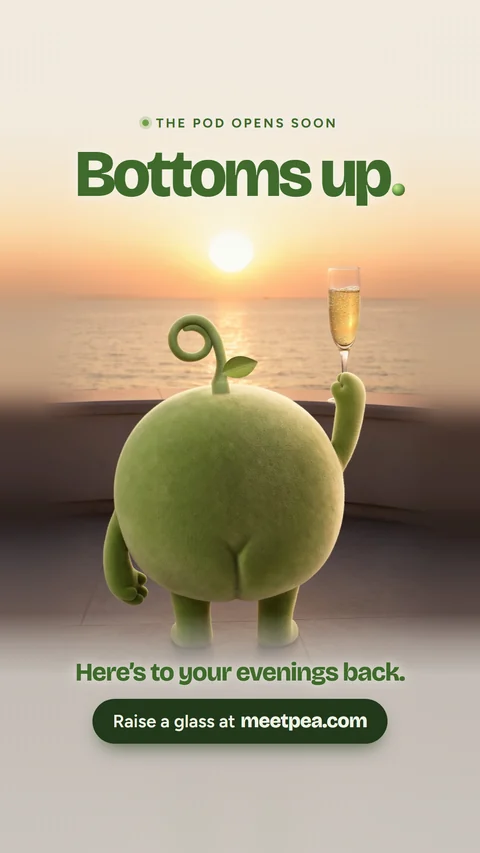
Pre-launch story cards for Facebook
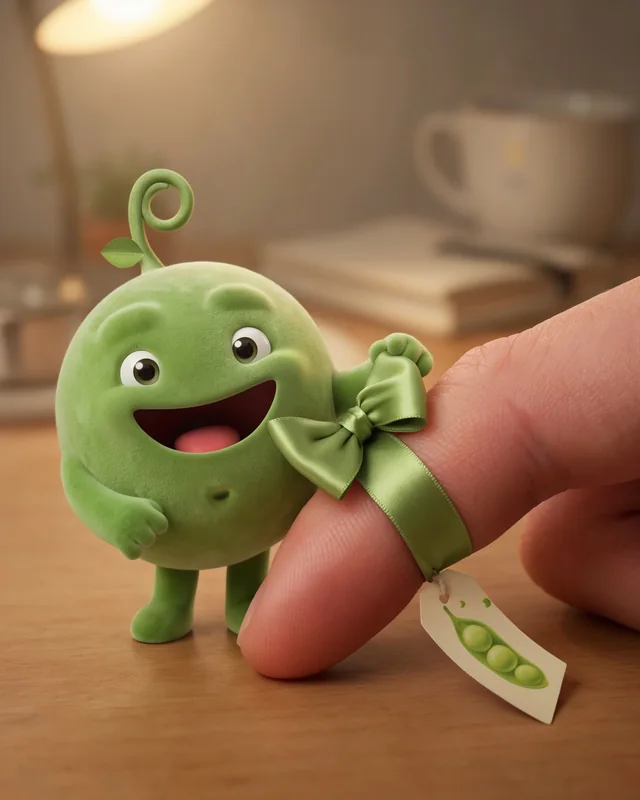
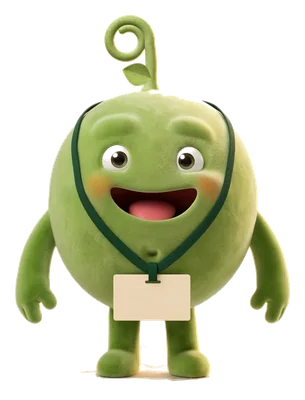
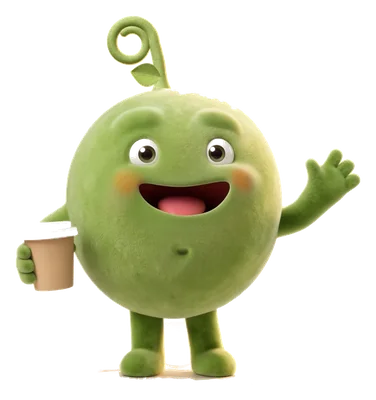
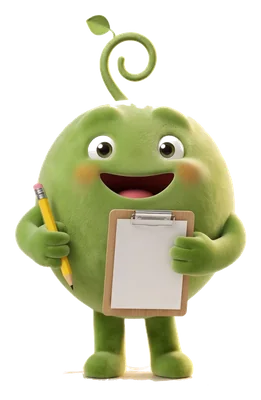
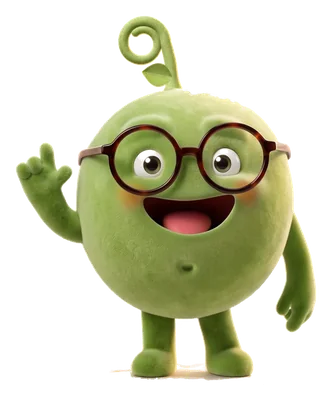
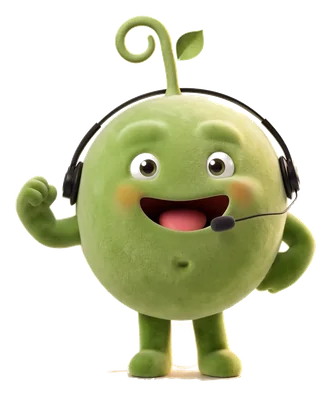
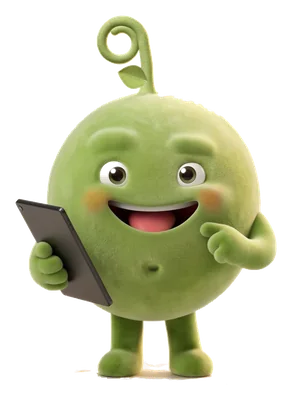
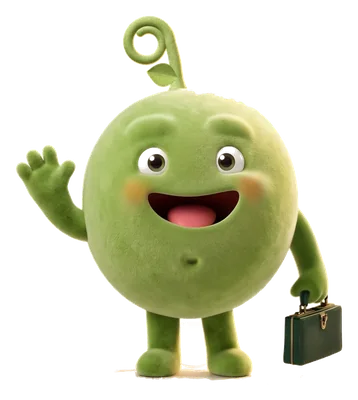
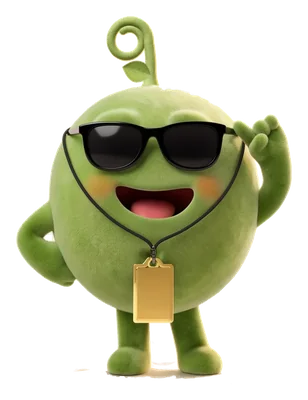
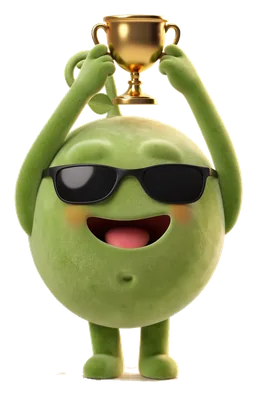
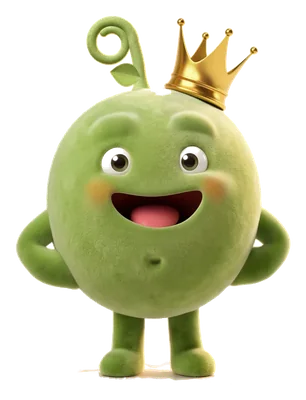
The levels are shown by props. Pea itself never changes.
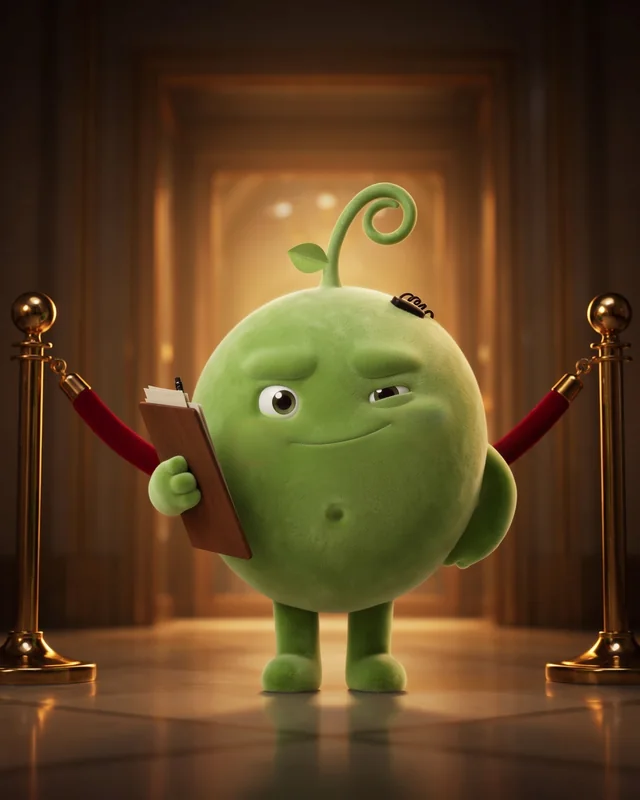
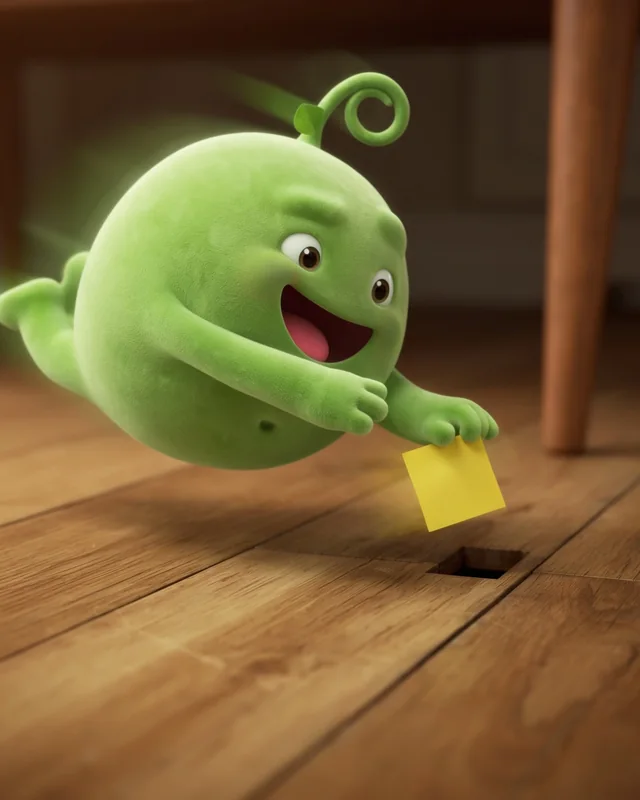
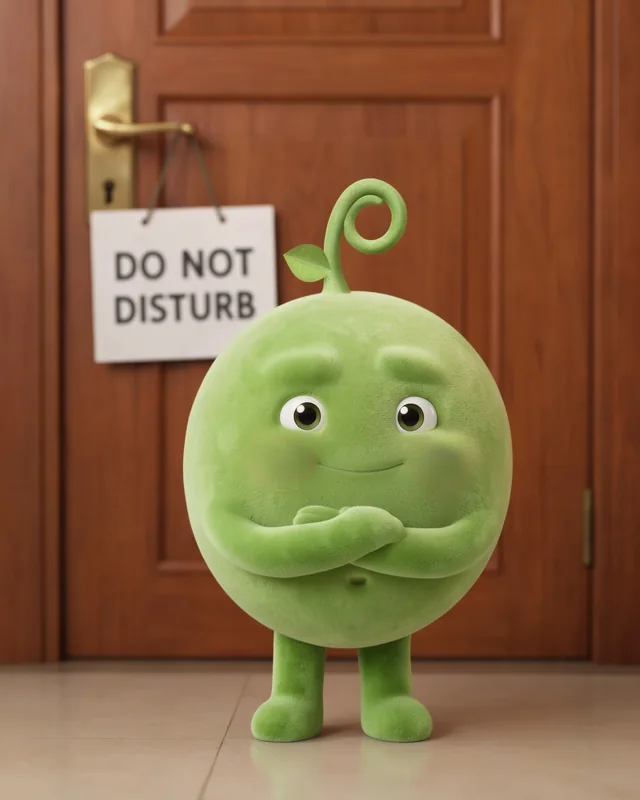
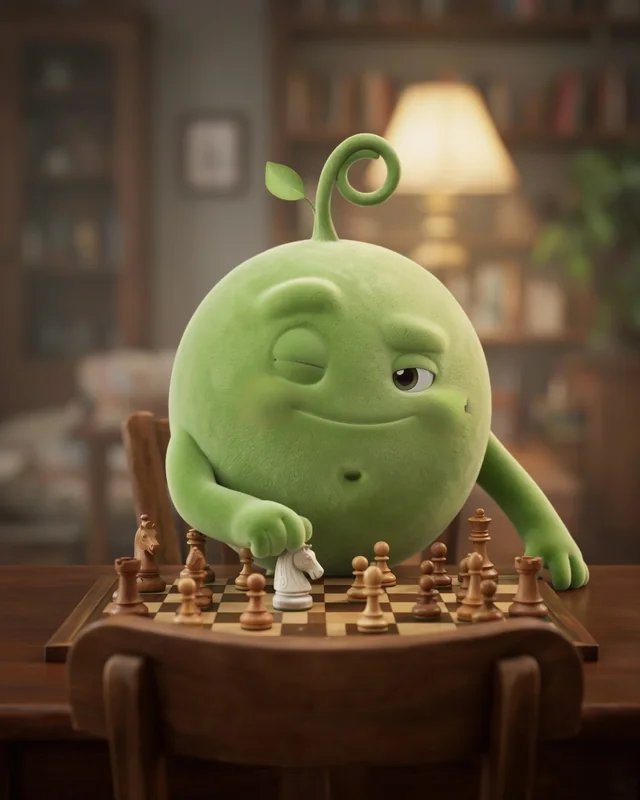
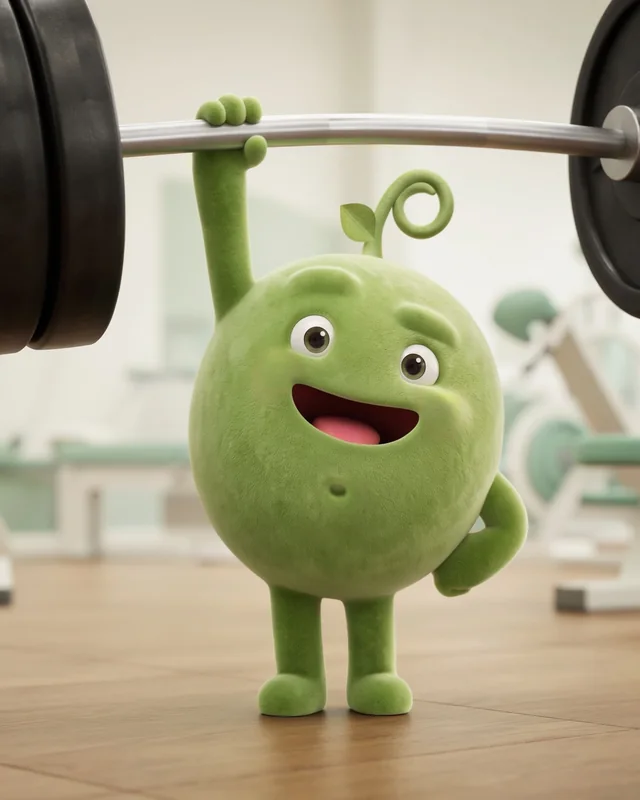
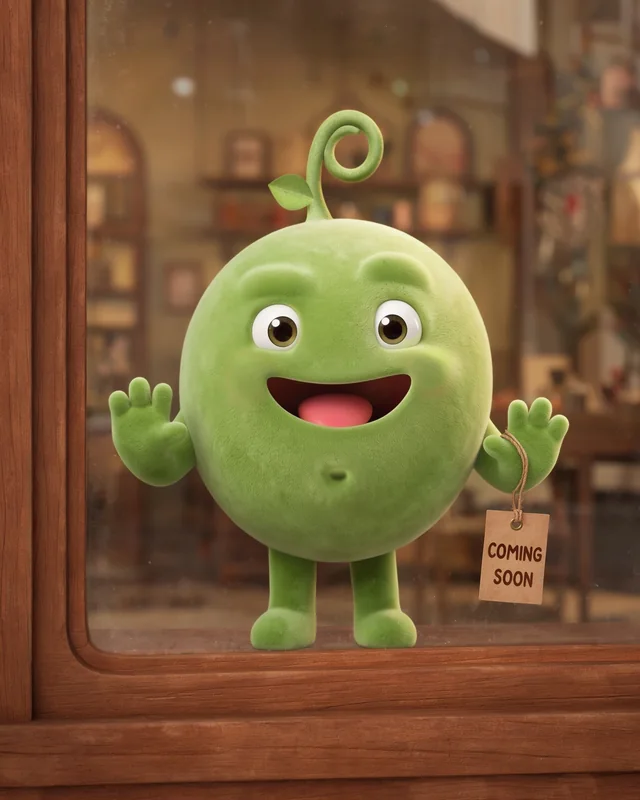
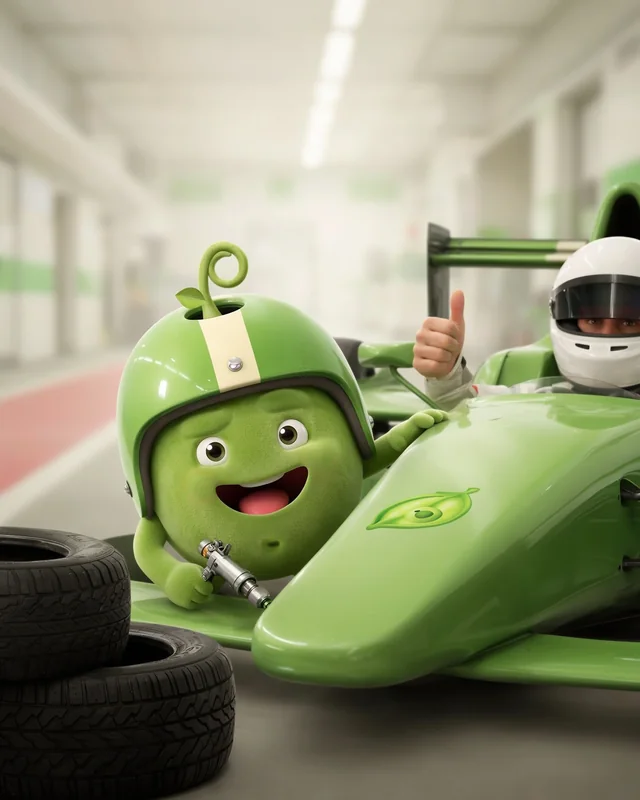
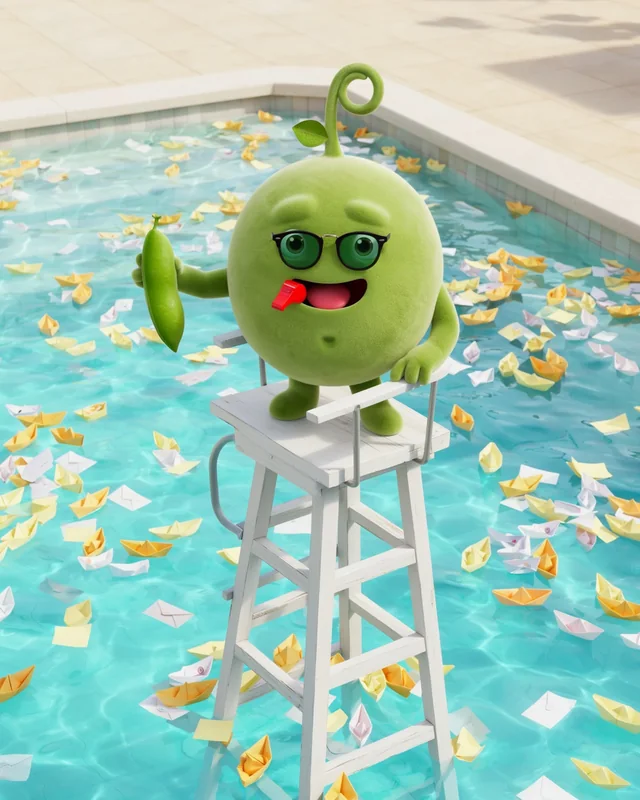
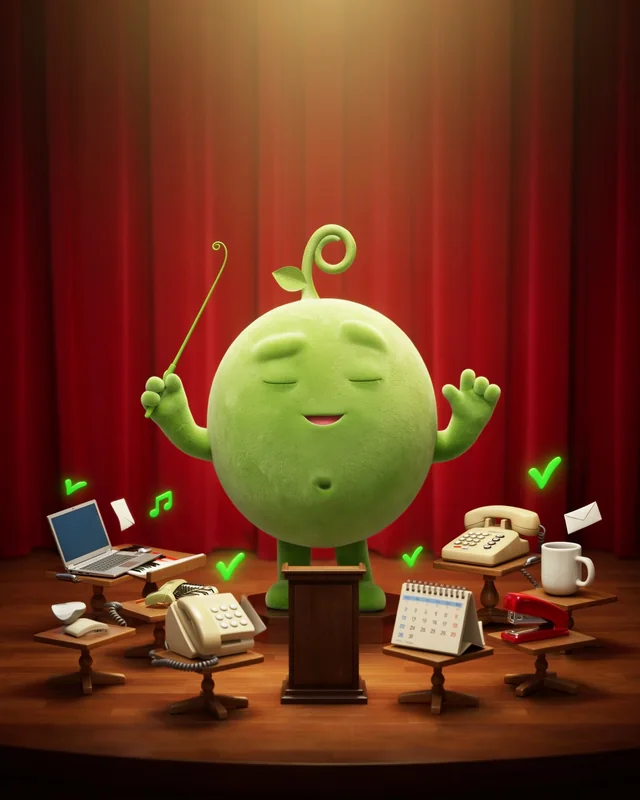
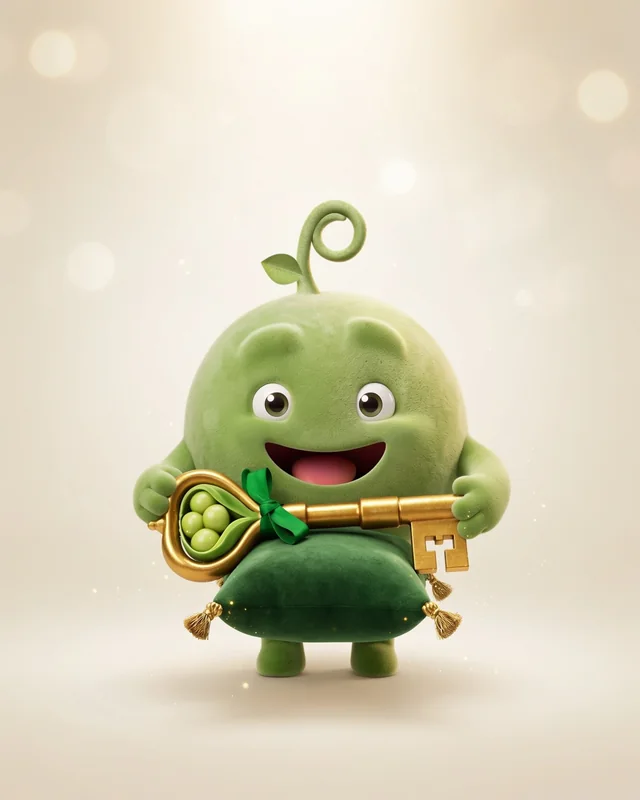
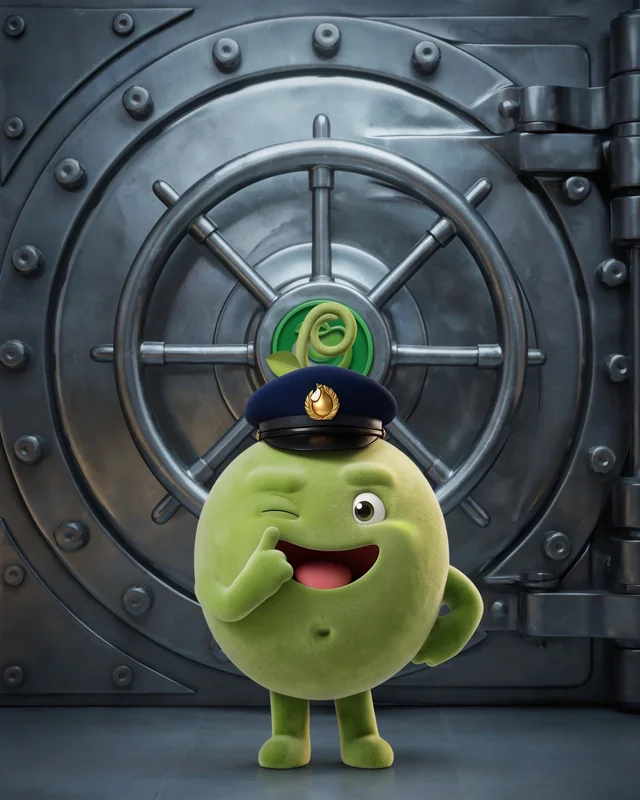
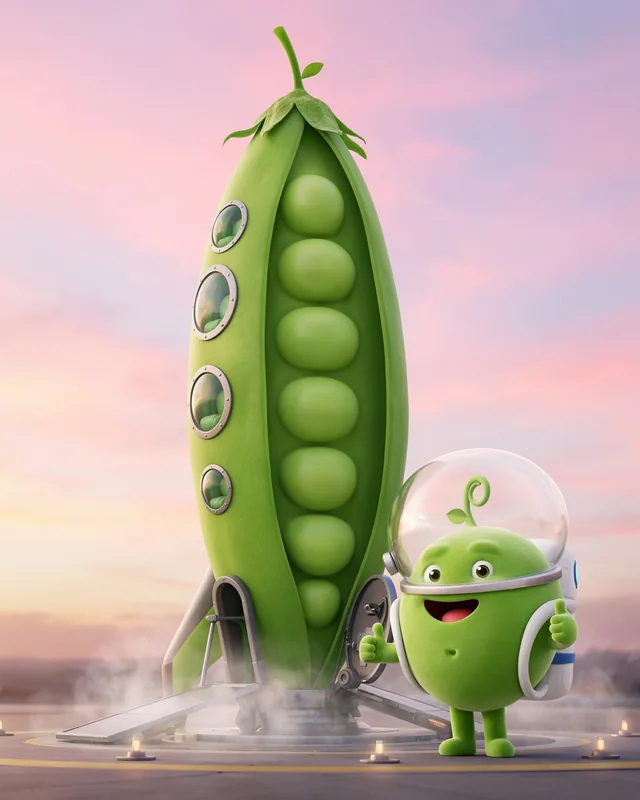
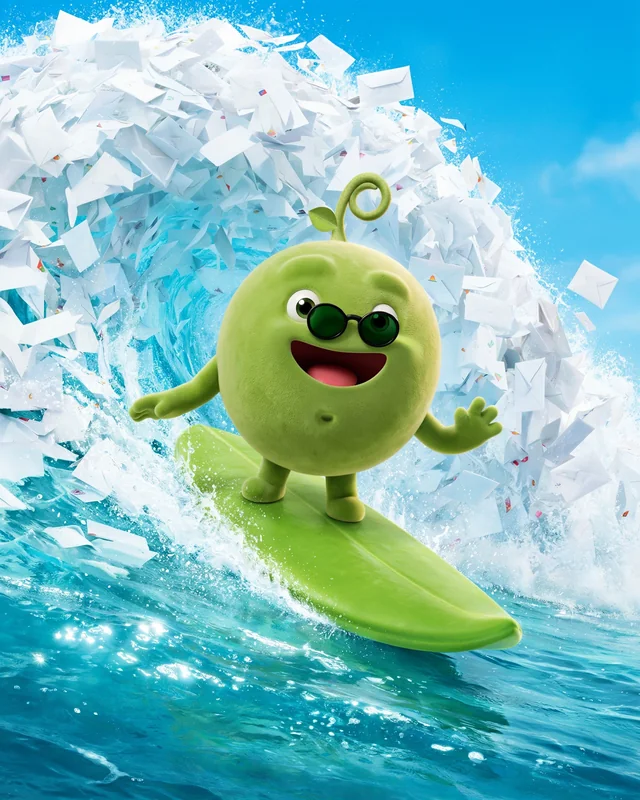
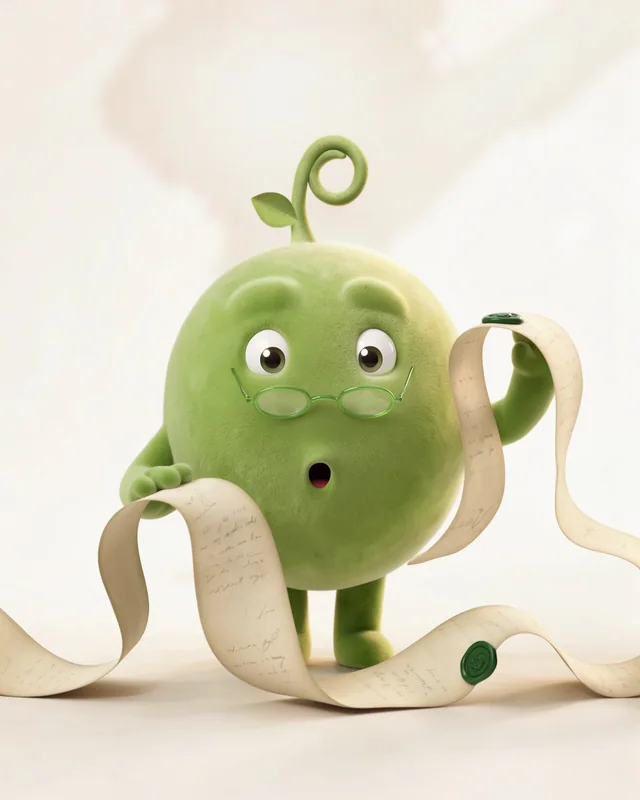
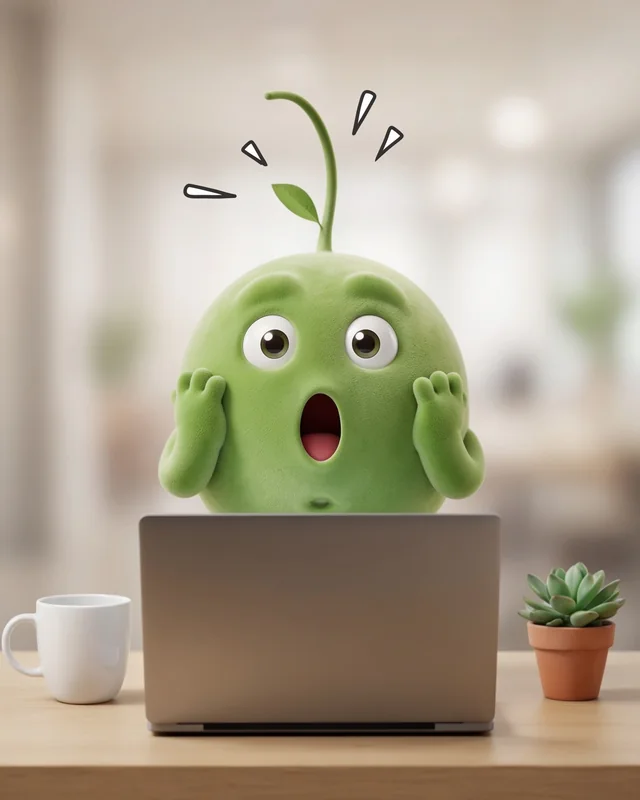
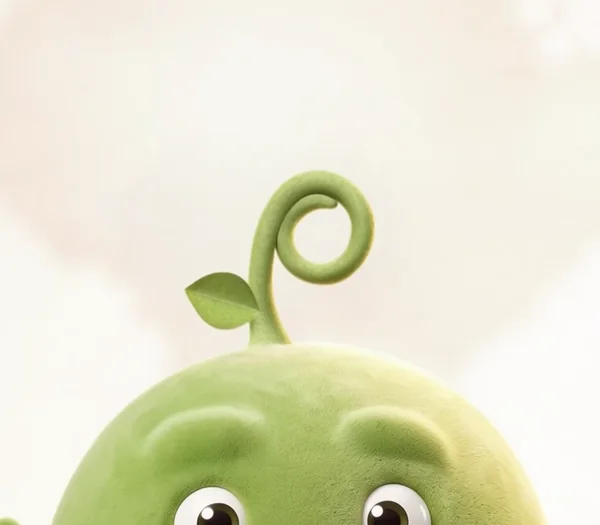
A few days in, I noticed that Pea's sprout, seen from behind, looked a lot like the p in our logo. So we turned the curl the other way, dropped the leaf low, and asked Ideogram for exactly that and nothing else. Eight came back with the new sprout and the rest of Pea untouched. We didn't want it to be obviously a p, just able to be one.
 1Pick
1Pick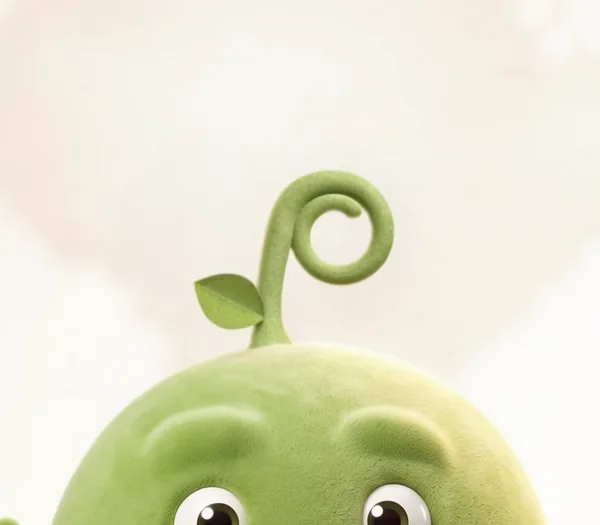 2
2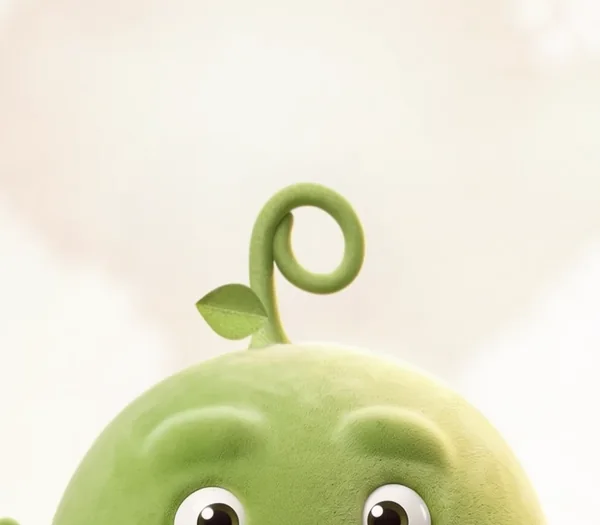 3
3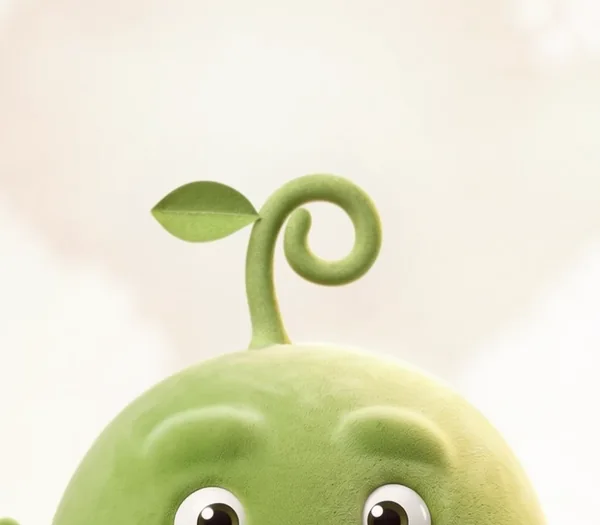 4Leaf too high
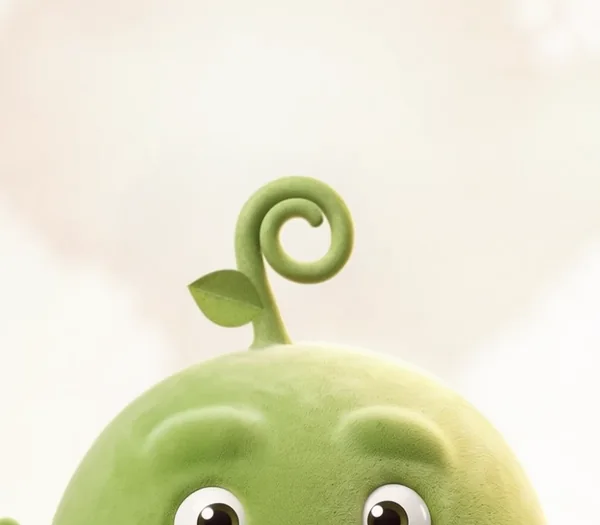 5
5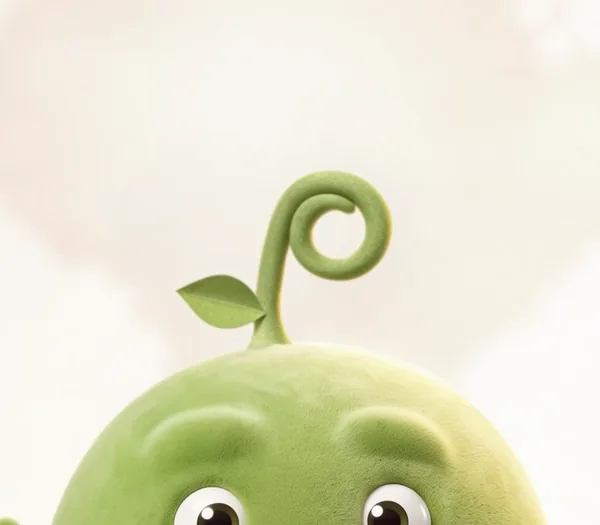 6
6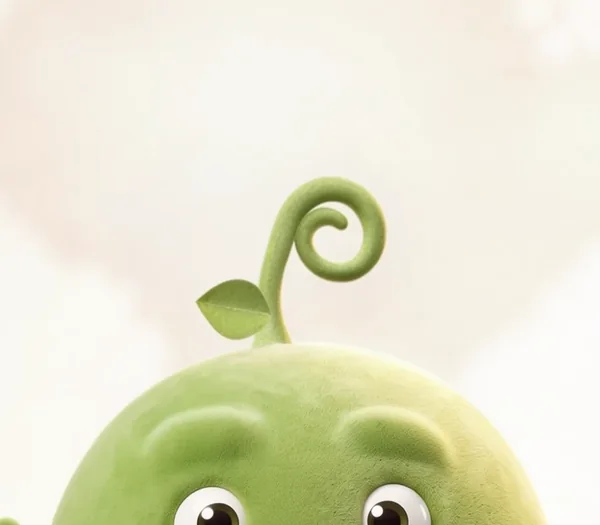 7
7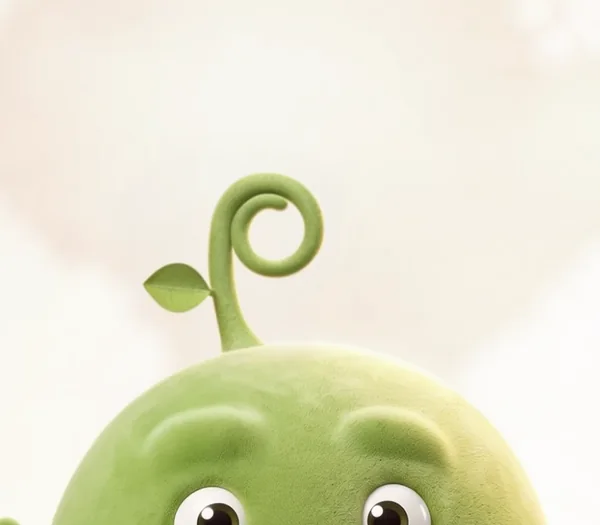 8
8The last change was the cheeks. Ideogram kept giving Pea a soft blush and I didn't want one, so we added a line asking for no blush at all and cleaned up the cheeks on the reference picture. The next forty came back clean.
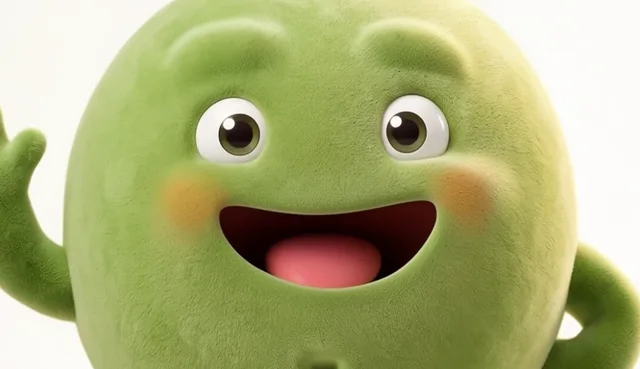
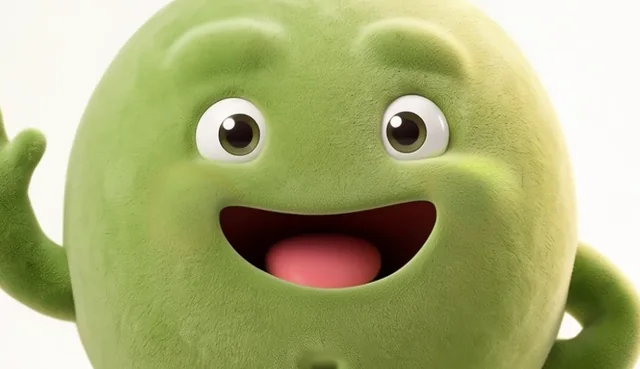
Once the stills were right, we started turning them into video, so now we're bringing the whole character to life. The film on meetpea.com is made from the Ideogram cut-outs.
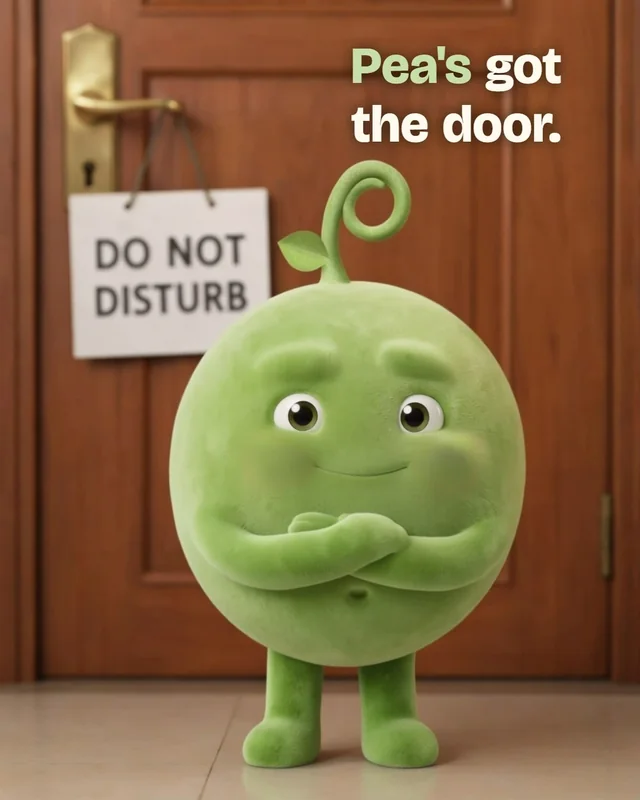
For the short clips, an Ideogram still goes in as the first and last frame, so the video only has to move what's in between. In Do not disturb, that's just Pea's eyes.
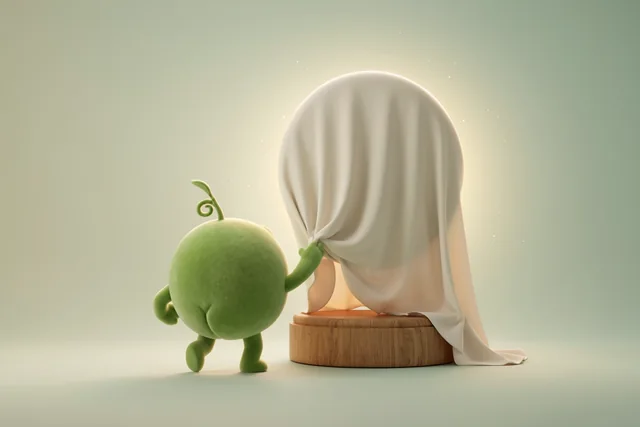
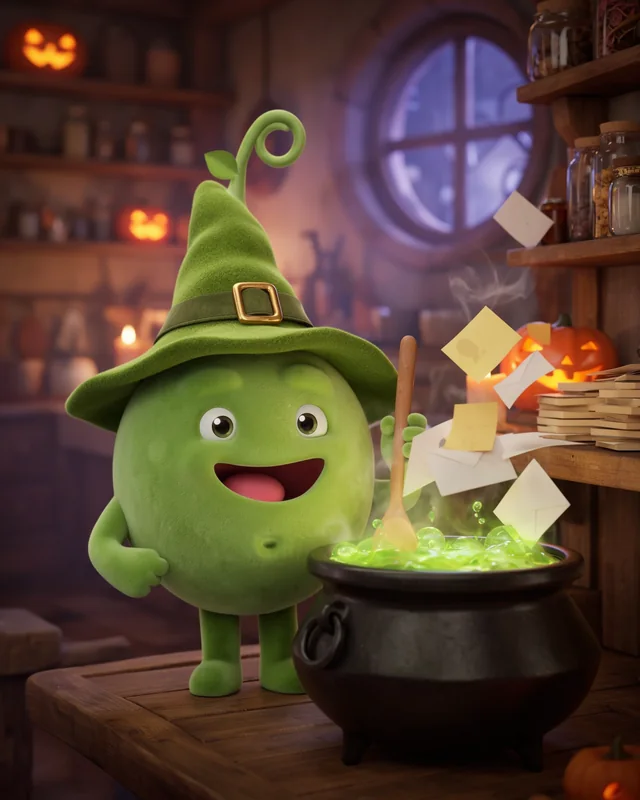
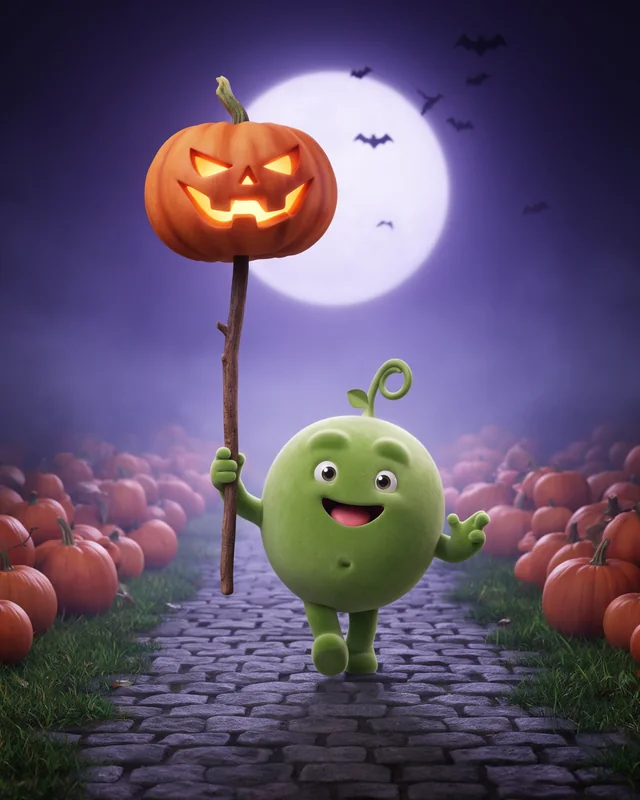
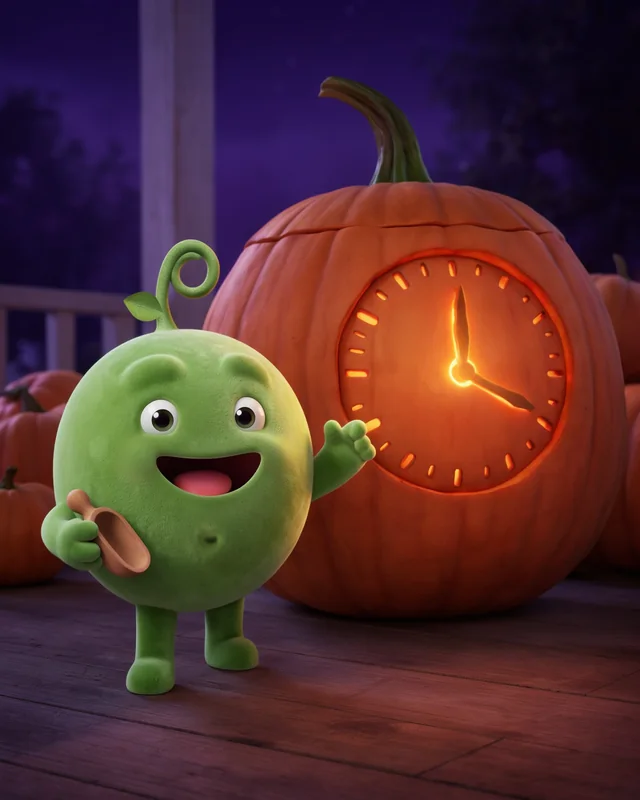
Ideogram makes events much easier too. With Halloween two days away we wanted Pea in costume, and we had six of them the same afternoon.
We didn't change anything about how we work. The same reference picture went in with the same paragraph about Pea, and we only wrote a new scene for each costume. Pea still looks like Pea under a bedsheet or a witch's hat, and each picture hints at something Pea does for you. We still checked every one, and ran the witch again when two came back with teeth.
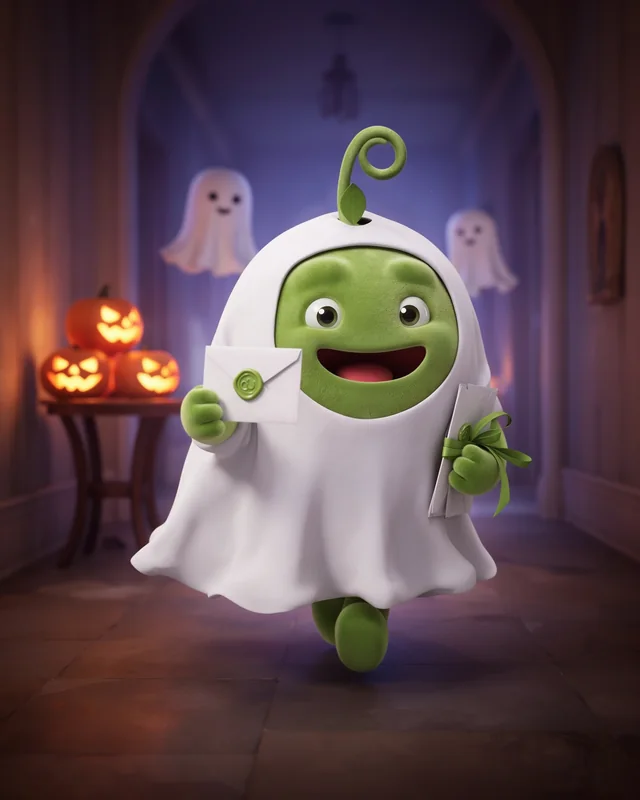
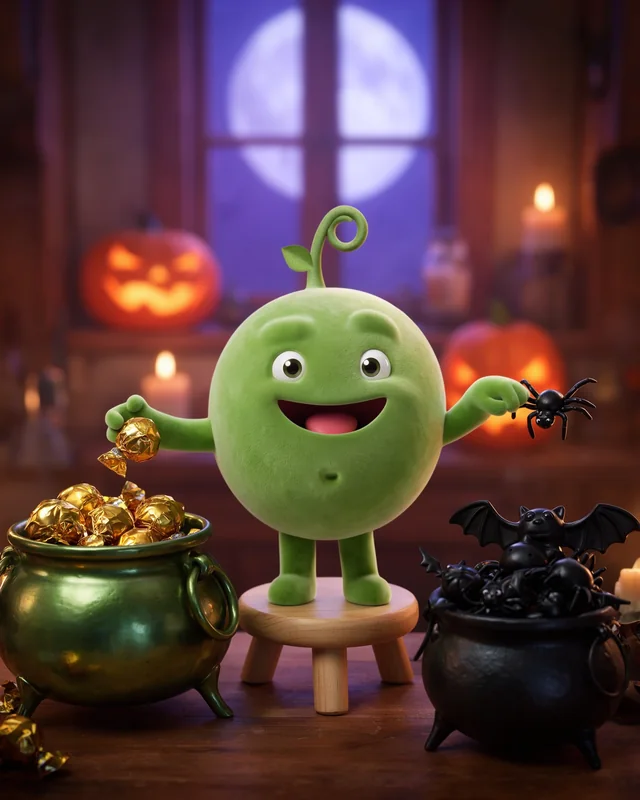
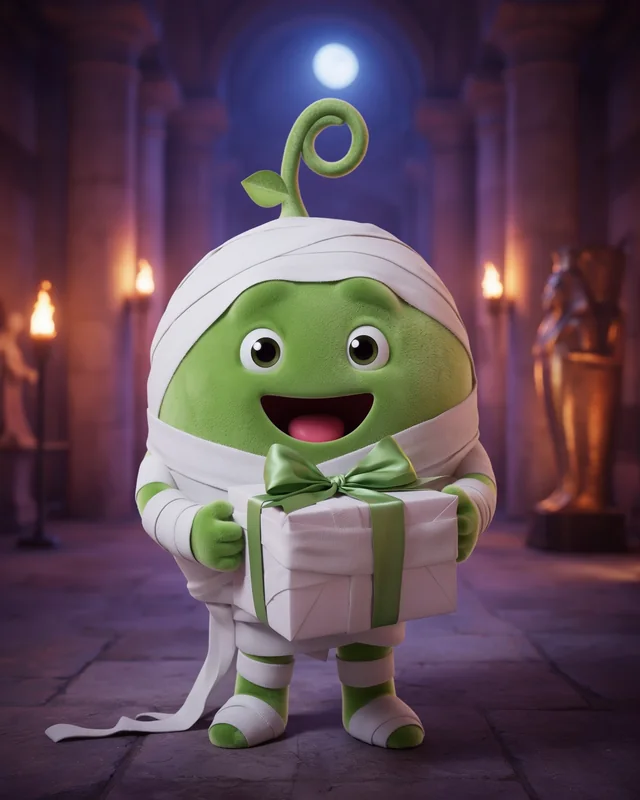
One reference picture kept Pea the same across about seven hundred more.
Plain sentences describing Pea did the job. We left Magic Prompt off the whole time.
We turned the sprout the other way and nothing else about Pea moved.
One line about the cheeks and the blush was gone from every picture after.
Load the back view and Pea stays turned away, little bum and all.
DO NOT DISTURB on the door and COMING SOON in the window, both first time.
Square, feed, story and widescreen, laid out the way we asked.
The stills became the first and last frames of our video.
What that means from a branding perspective is quite mind blowing. Keeping a character on model used to take an illustrator and a thick style guide, and for Pea it took one picture and a list of eight things.
The green bits are where your own character goes.
Use @img_1 as the exact character: the things about it that never change, in plain words. Keep it exactly on-model. IMPORTANT: what it must never have, for example no blush at all, no teeth.

One line of style. Premium 3D animated film still, soft studio light, clean and uncluttered.

The scene, with the props in your character's world.
Use @img_1 as the exact character: the same cute pea character with soft green velvet flocked fur, a round egg-shaped body, big round glossy eyes, two soft raised velvet bumps where eyebrows would be (no eyebrows), a wide open grin set low with a pink tongue and no teeth, a small sideways oval dimple belly button, short stubby velvet arms and legs, and one curly sprout on top whose curl turns to the viewer's right with one small leaf low on the opposite side of the stem. Keep it exactly on-model. IMPORTANT: no blush at all. No rosy, pink, peach or orange cheeks; the cheeks are exactly the same even velvet green as the rest of the body.

Premium 3D animated feature film still, soft warm studio lighting, shallow depth of field, clean and uncluttered, no mess, cute and funny.

The pea dives horizontally through the air like a football goalkeeper making a spectacular save, arms fully stretched, catching a small yellow sticky note an instant before it slips into a narrow gap between wooden floorboards beside a desk leg. Determined, delighted face, a little motion blur, camera at floor level.
Check out Ideogram here My invite link